


Release Notes | AQCURA 2026
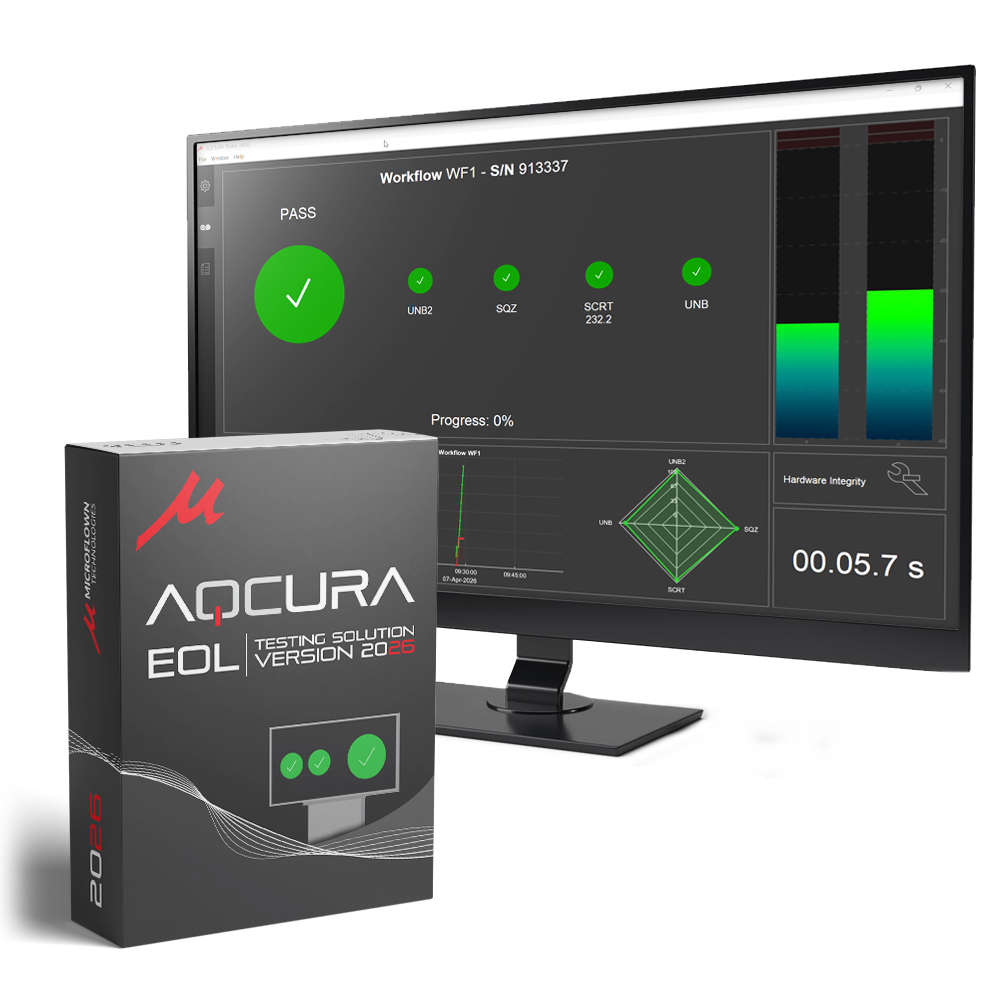
AQCURA 2026 Spring UPDATE
AQCURA 2.10.0 introduces a series of enhancements focused on improving efficiency, flexibility, and data management across both the Manager and Tester applications. This release brings a more streamlined workflow through embedded training and processing sets, a new Workflow Executions Archive for handling production data, and shared backend data structures that significantly boost performance. Users will also benefit from an upgraded playback experience with new loop and selection tools, as well as improved visualization capabilities. On the Tester side, the introduction of a No-UI module and Daily Statistics panel supports more robust and informative operation in production environments. Together, these updates reinforce AQCURA’s position as a powerful and scalable solution for acoustic end-of-line quality control.
aqcura tester Highlights
- Daily Statistics panel added to the Test tab, providing real-time insight into testing activity and results
- AQCURA Tester No-UI module introduced for critical operations where a user interface is not required, including a terminal output window
Daily Statistics for Production Insight
The Daily Statistics panel in AQCURA Tester provides a consolidated, real-time overview of testing activity and results throughout the day. It aggregates key metrics such as test counts, pass/fail ratio, and trend evolution, enabling rapid assessment of production performance. Integrated directly within the Test tab, this feature delivers immediate feedback, allowing operators to detect deviations, monitor consistency, and quickly identify anomalous trends.
aqcura Manager Highlights
- Revamped playback backend in the Playback tab for improved performance and responsiveness
- New loop tool in the Playback tab for more flexible data review
- Selection tool added to spectrogram and time plots for targeted analysis
- Training sets are now embedded within the AQCURA Manager project file
- Processing sets can now be stored within the project file
- Workflow Executions Archive introduced, enabling storage and import of production data
- Training sets can now be loaded directly from the Workflow Executions Archive
- Improved efficiency in training and processing through shared metadata and feature data
- New plot filters with a dedicated interface for filtering “Good”, “Bad”, and “Undefined” samples
- Project versioning information added to the File Details tree in the Playback tab
Advanced Playback and Interactive Analysis
The updated Playback tab introduces a more advanced and responsive backend, enabling precise interaction with recorded data through integrated selection and loop tools. Users can isolate specific time segments directly within both the spectrogram and time-domain plots, allowing for targeted playback and detailed analysis of acoustic events. The loop functionality supports continuous repetition of selected regions, facilitating in-depth inspection and comparison of transient or periodic phenomena.
Release Note
-
- Compatibility with PU gen 2 probes;
Introduce AQCURA - Tester No-UI module, intended for critical operation where UI is not required. Includes a Terminal Output Window.
- Compatibility with PU gen 2 probes;
-
- Training sets are now embedded into the project file;
- Processing sets can now be saved;
- Introduce a Workflow Executions Archive into the project file (allows saving production data);
- Training sets can now also be loaded from the project’s Workflow
- Executions archive;
- Training and Processing backends are more efficient by sharing common data (Workflow Executions metadata and Features data);
- Redesign “Load Training Set from databases range” dialogue at Training Tab’ set panel;
- Rendering speed of scatter plots is now 10x faster at Training and Processing tabs;
- Introduce new plot filters into the Processing and Training tabs. Filters are included in a new pop-up window which also allows filtering “Good”, “Bad” and “Undefined” samples;
- Process settings / signal dialogs now pops-up automatically after creating a process;
- Introduce a revamped playback backend into the Playback tab;
- Introduce new loop tool into the Playback tab;
- Include a selection tool into the Playback tab’s spectrogram and time plots.
- Introduce project versioning info under 'File details' tree in Playback tab.
- Introduce “Enter/Return” and “ESC” keyboard hit response to dialogues;
- Introduced a more permissive .EOLdt file validation system allowing cross-project file usage;
- Improve positioning of UI elements;
Introduce backend support for the Microflown Test box; - Backend improvements.
-
- Introduce the Daily Statistics panel into the Test tab;
- Introduce support to the Microflown Test box control.
- Introduce hide UI option into AQCURA Tester.
 AQCURA | Acoustic Quality Control Testing